There are hundreds, no, thousands, no, tens of thousands of content marketing tools on the market. Finding one isn’t the problem — the real challenge is knowing which ones you actually need for the results you’re after.
In our case, the results our clients expect are increasing website traffic and generating links with new content. And we’ve gotten pretty good at it.
We increased website traffic and helped clients improve their reach year over year.
Contrary to popular belief, you don’t need tons of tools to get the results you’re looking for. Here are the ones we use all the time, plus a few alternatives to consider based on your preferences and goals.
12 Essential Content Marketing Tools
These are the workhorses we couldn’t live without and use just about every day.
Some (the first three to be specific) are competitors of each other and more or less do the same thing, just a little bit differently. You don’t need all of them; just pick the one that works best for you.
Others are specifically aimed at helping you gather original data that increases the density of your content (read: linkability).
1. Ahrefs ($108-$1,499/mo)

Ahrefs is one of the tools our team uses most to research and track the content we create. It includes keyword research tools, SERP analysis, link and search traffic analysis for any domain or page, and much more.
And while it’s not the only tool designed to do these things (or the only tool you’ll need), we’ve found that it gives you most of the functionality required to create content that ranks and generates links to your website in the most user-friendly way.
2. Moz ($49-$299/mo)
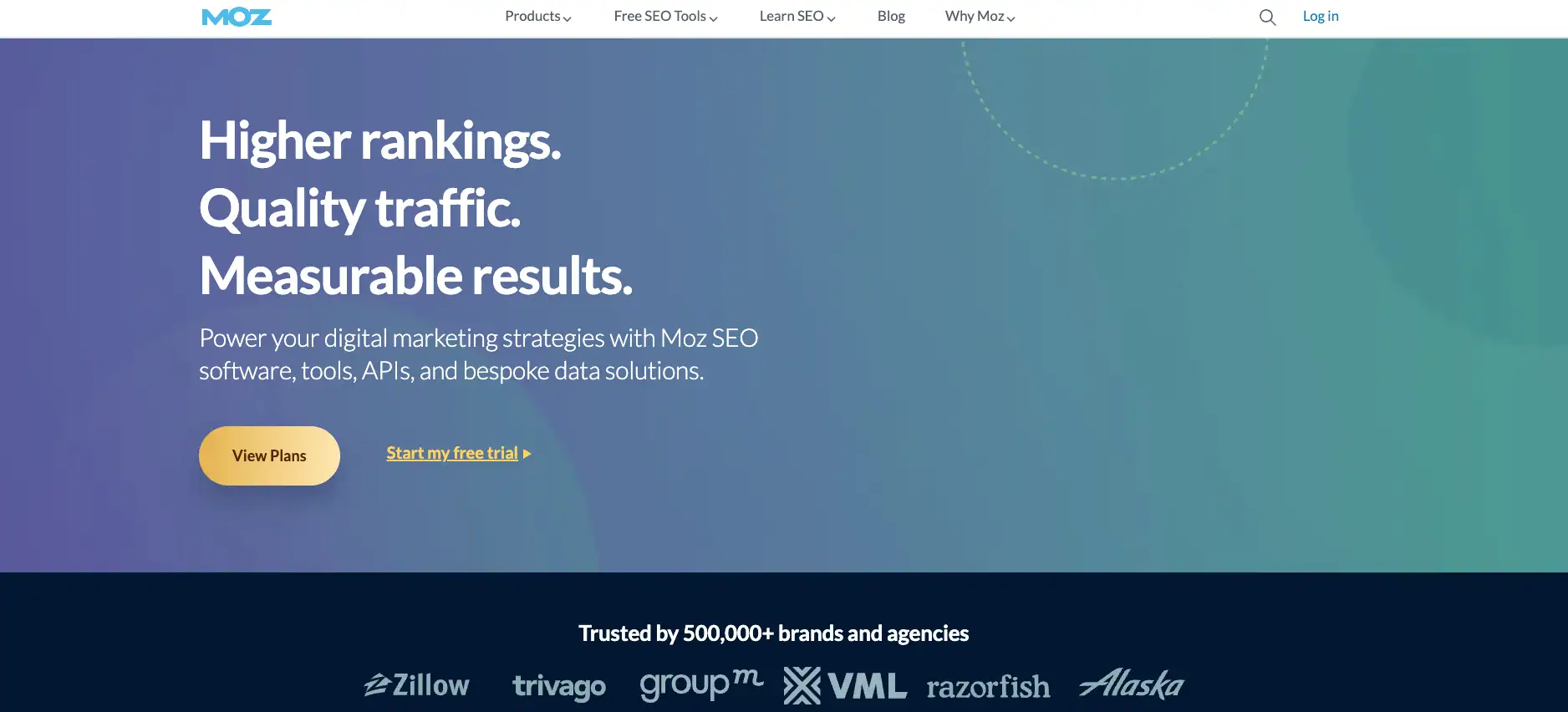
Moz does just about all of the same things that Ahrefs does above, just differently. They also have a great on-page analysis tool that Ahrefs does not and versions of their tools that anyone can use by signing up for a free account (including their Chrome extension), which may be a better option for some teams on a budget.
3. Semrush ($139-$149/mo)
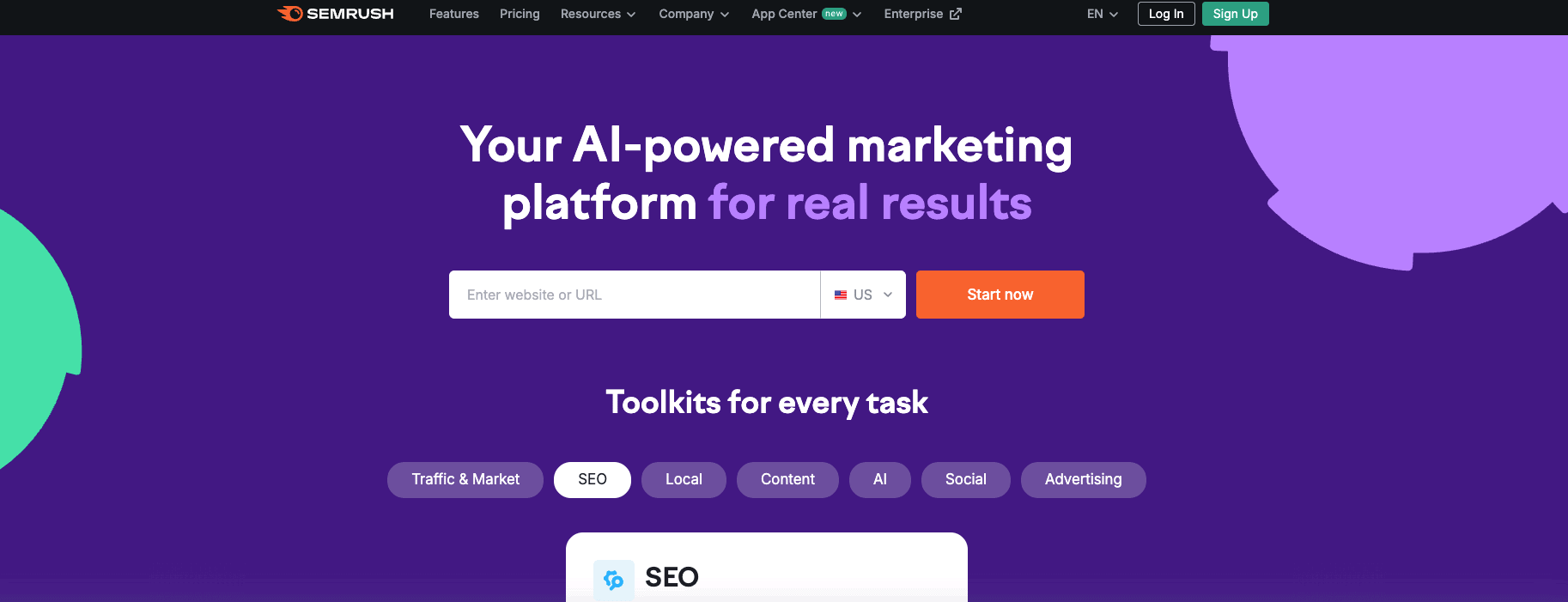
While Semrush has many of the same features as Moz and Ahrefs, it’s more of an all-in-one digital marketing tool than a content marketing tool. We use it on occasion for things like competitive analysis or keyword analysis. And if you do a lot of PPC campaigns in addition to your content marketing, it’s a great option.
But strictly for content creation, one of the other two tools above would be a better choice.
4. BuzzStream ($24–$299/mo)
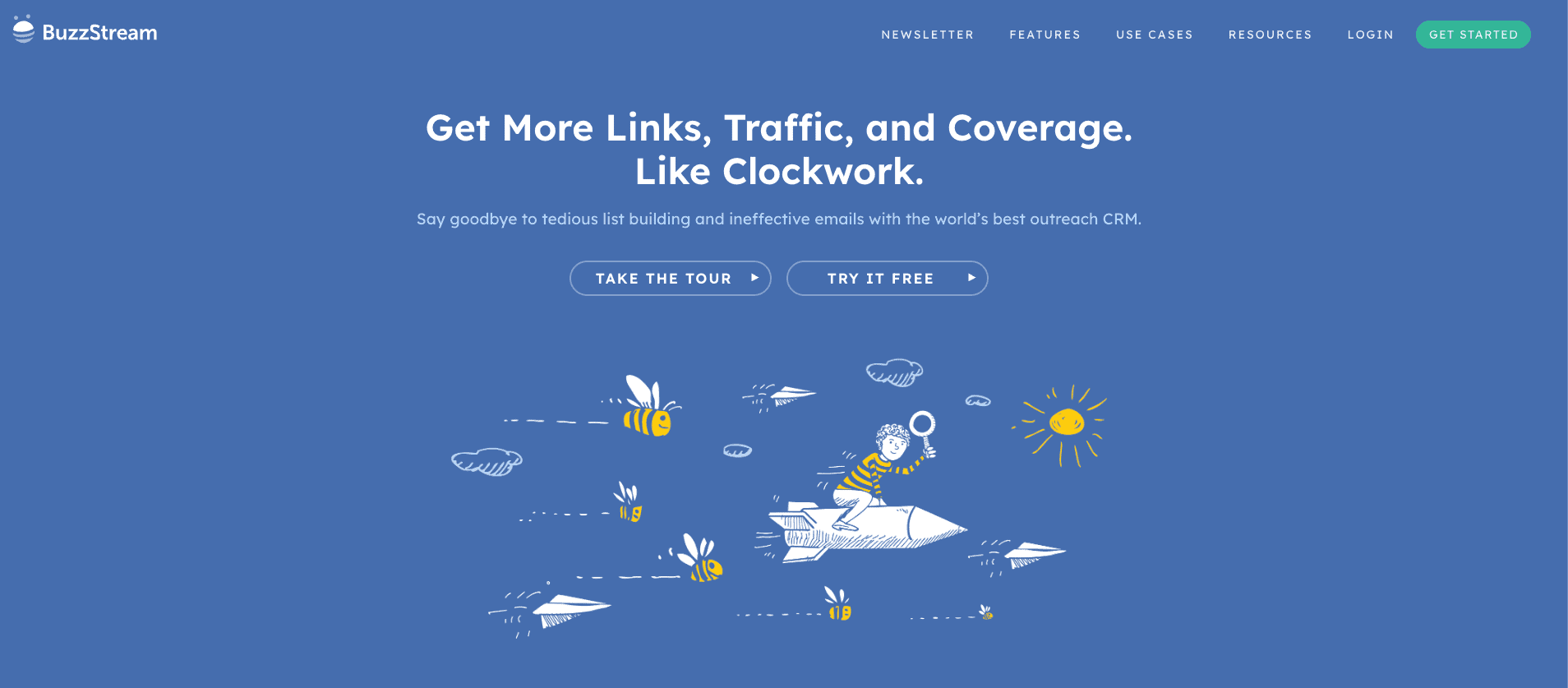
BuzzStream is a public relations and link building CRM that makes outreach to publications and blogs easy. Our team used it in the past to build links and earn rankings for our clients.
We like it because it lets you track which outreach approaches are working and stores a record of everyone you’ve ever contacted and how, allowing for smoother communication and better relationships, even with a large team.
5. SparkToro (Free–$295/mo)
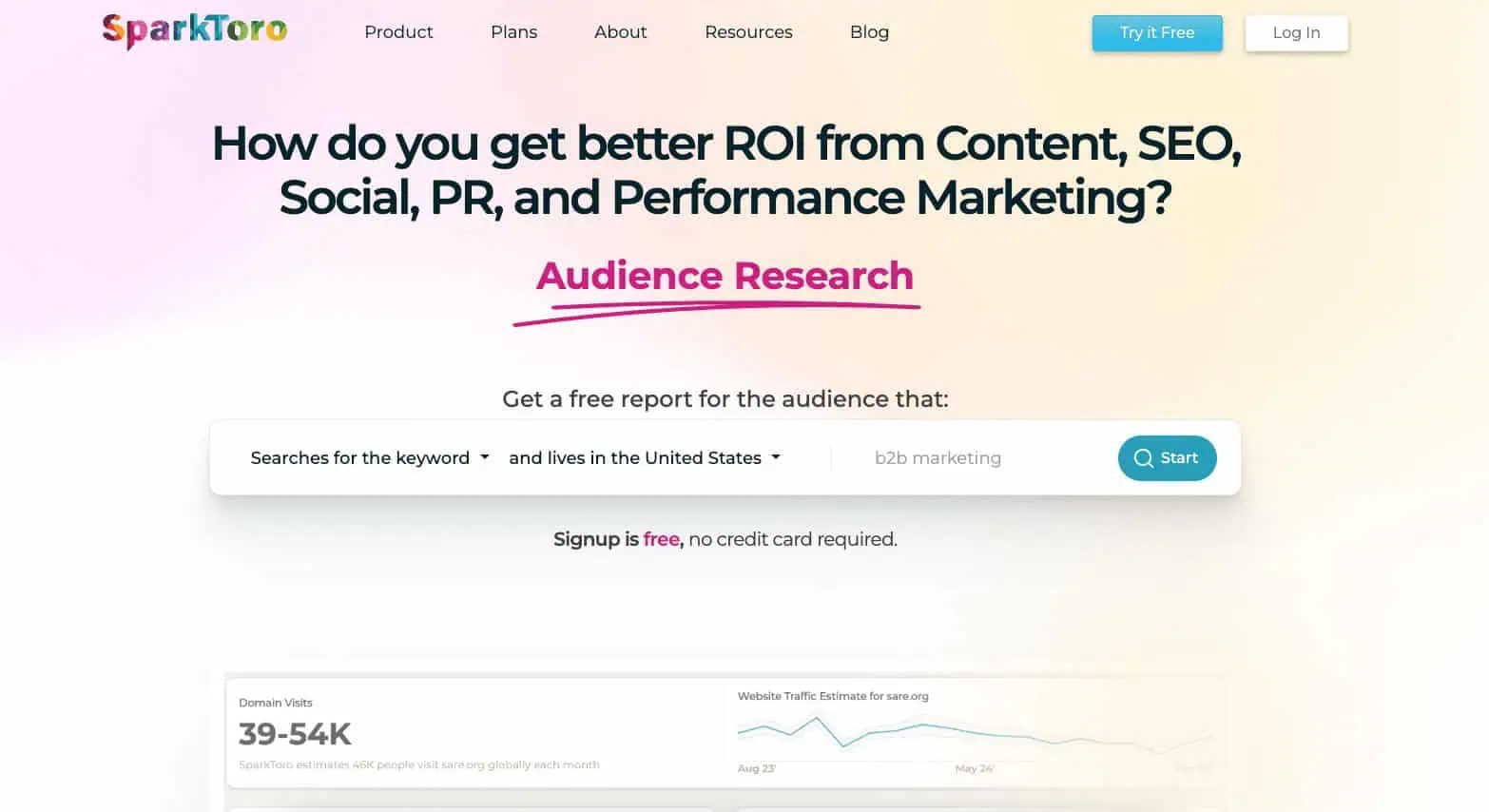
SparkToro is a tool that helps you see who your target audience follows and reads online. It’s fantastic for finding high-value guest posting opportunities or influencer marketing partnerships for in-house teams. You’ll just have to foster relationships with influencers to get the most out of it.
6. BuzzSumo ($199-$499/mo)
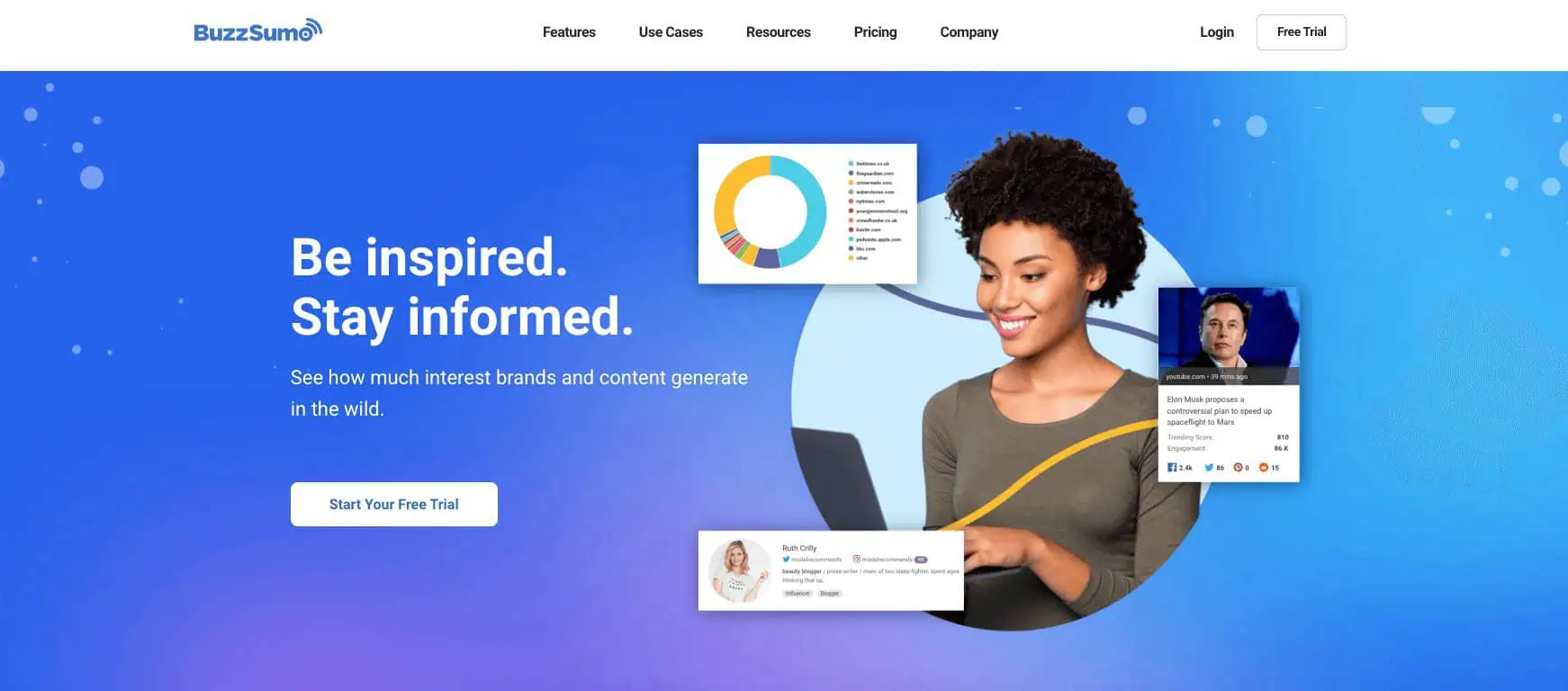
Looking at social proof is a great way to determine whether a topic will be linkable or not. And in that respect, BuzzSumo is great for brainstorming, since it shows you how much social media engagement any given topic has received so far (and which articles within that topic are getting the most).
You can also analyze entire domains to see which content is performing best and it does provide a rough backlink count. But for serious backlink analysis, something like Ahrefs is much more accurate.
7. Google Workspace ($7-$22/mo)
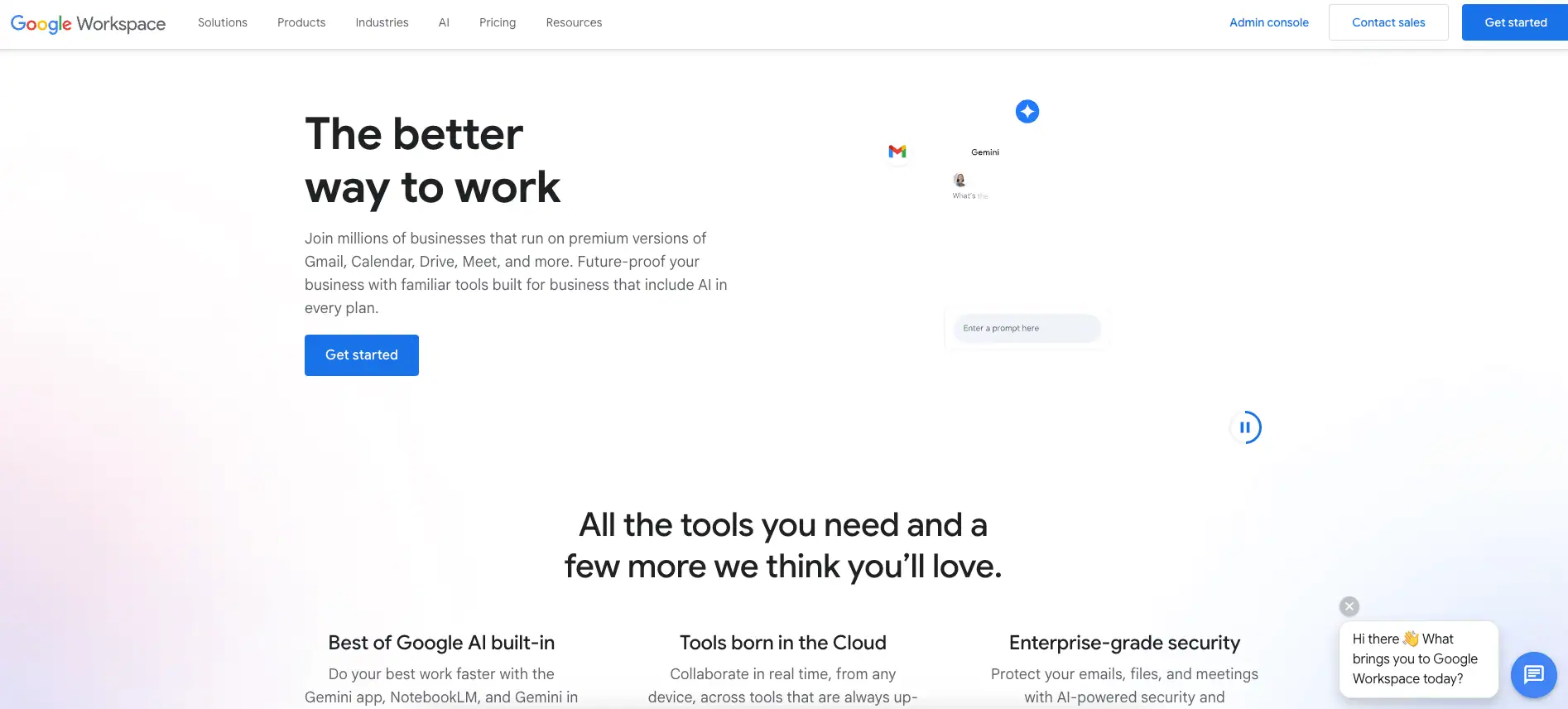
Google Workspace is another tool that our team uses daily. We create content in Docs, store it in Drive, and share it with Gmail. Though there are other tools out there designed to do this as well, we find it’s the best all-in-one platform for content creation and collaboration because of its intuitive formatting and easy-to-use suggestion mode.
Google also has its AI assistant, Gemini, that we use as our primary AI tool. From brainstorming ideas to helping break down complex ideas into digestible formats, Gemini’s functionality makes marketing easier. And, bonus, Gemini Pro is now included with most Google Workspace plans.
8. Qwoted (Free-$99/mo)

Qwoted is a great way to source original quotes from industry experts for a piece of content you’re working on. It’s designed to connect subject matter experts, journalists, writers, and marketing professionals without breaking the bank.
Plus, it’s really simple to use — just post what topic you’re writing about and who you’d like to hear from, and in a few days, you’ll have responses you can use in your article or post. Even better, the free plan gives you enough credits to start outreach for your business so you can make sure the tool is right for your needs without committing to a subscription.
9. SurveyMonkey ($30-$92/mo)
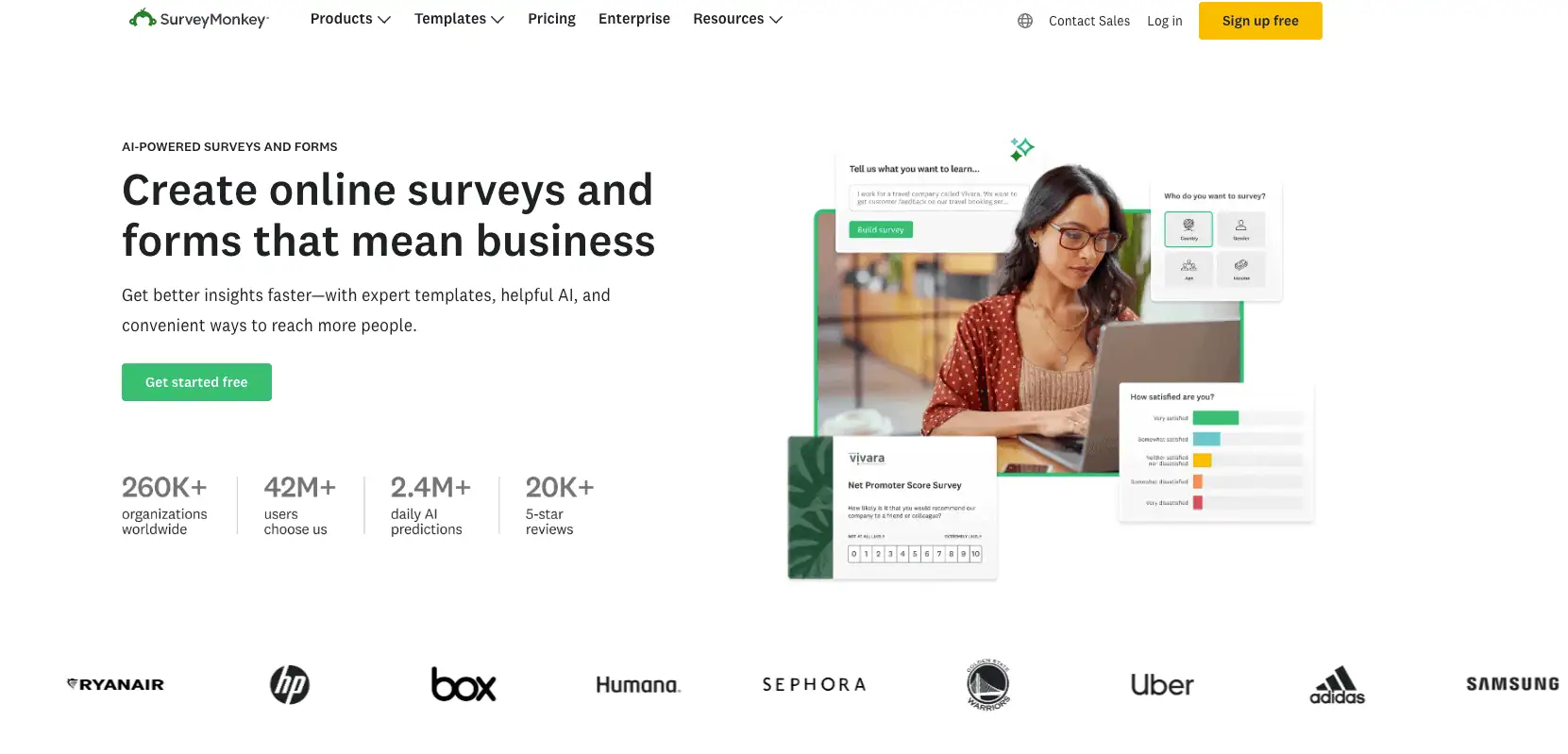
Just like quotes help increase the linkability of your content, so does original data and SurveyMonkey is a really robust way to gather it. It’s not cheap and isn’t our first choice for surveys for that reason. But it does let you segment and target in a way that other survey services do not. So we’ll use it when we need more precise data.
10. Clearscope ($189+/mo)
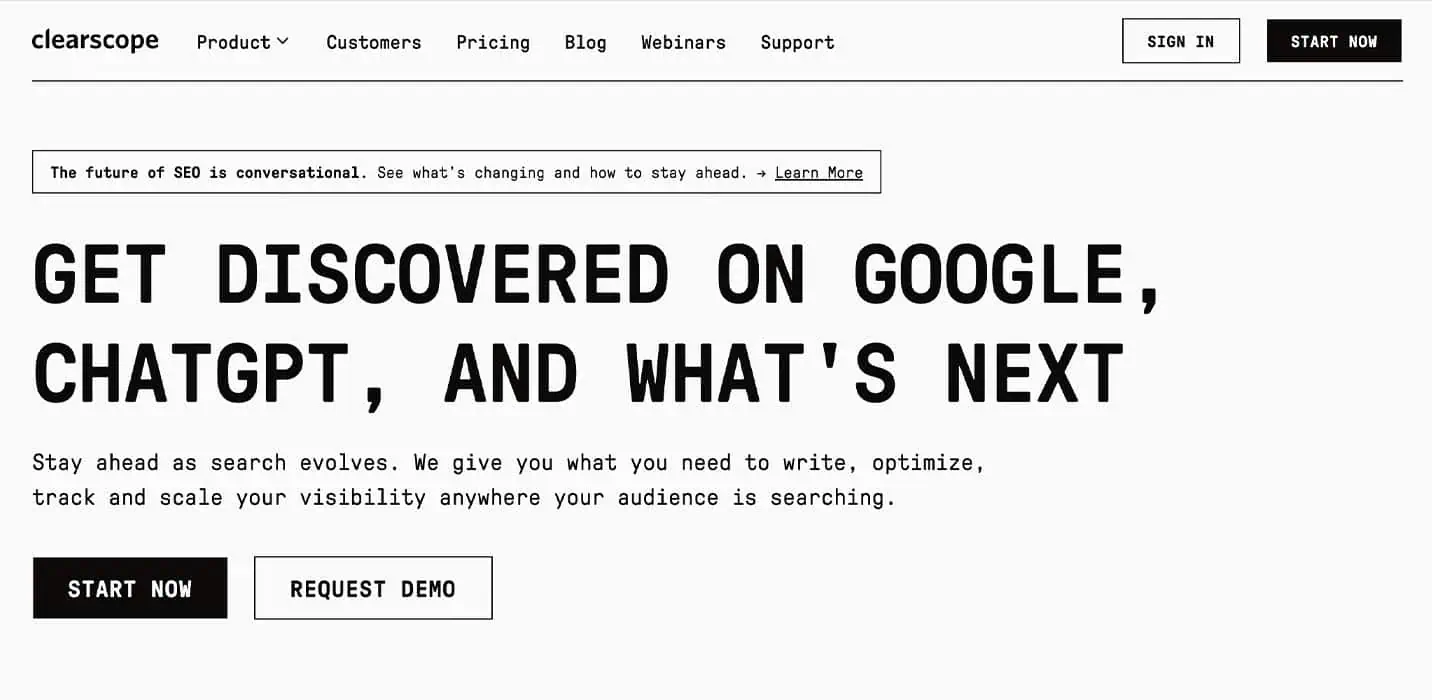
From the outline phase through the QA phase, our team uses Clearscope to ensure that we’re writing the most comprehensive pieces of content that will best satisfy search intent and answer the questions readers commonly have. It also helps us identify ways to elevate our content with resources.
Additionally, Clearscope’s integrations with Google Docs and WordPress add highly efficient robotic process automation to our content development workflow.
11. BlueprintIQ
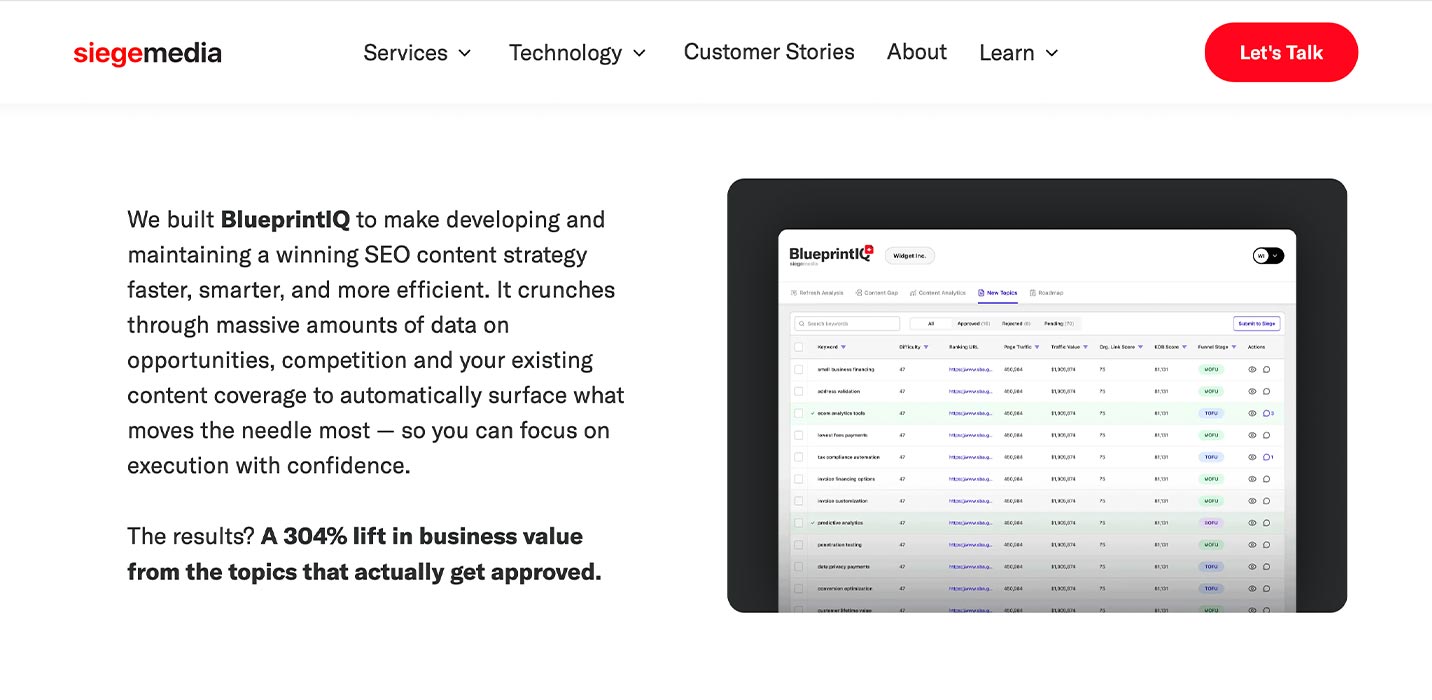
While most tools are publicly available, we rely on our internally developed, AI-powered technology called BlueprintIQ to create and continuously manage client content strategies.
It crunches massive amounts of data — analyzing competitors, existing content, and hundreds of topics — to instantly build your optimal content roadmap. This allows us to scale idea generation to 750+ targeted, technical ideas, far beyond manual limits.
BlueprintIQ delivers our clients a clear, data-driven roadmap that pinpoints new content to create, old posts to refresh (based on competitive freshness data), and dead weight to remove — all ranked by impact.
The tool also generates detailed, human-approved content briefs to ensure our content execution is always efficient, high-quality, and primed for better rankings year-round.
12. DataFlywheel
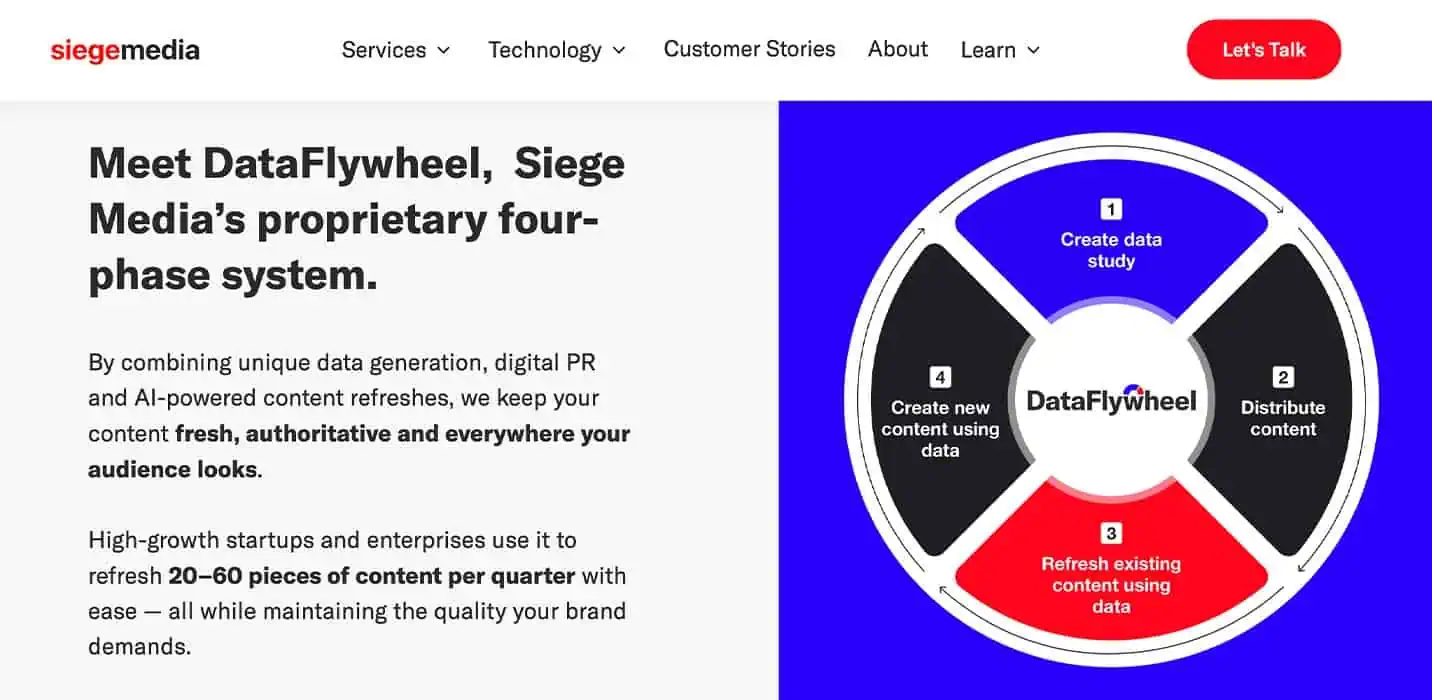
Another proprietary tool, DataFlywheel, is a four-phase system available for Siege clients who want quarterly (or more) DPR projects that are designed to refresh content, driving results in just a few weeks. Freshness is a crucial factor since both Google and large language models (LLMs) reward up-to-date information.
We combine unique data generation, Digital PR, and AI-powered content refreshes to keep your content fresh, authoritative, and everywhere your audience looks.
We leverage best-in-class AI models to analyze and revamp an article in under an hour — all reviewed by our expert human editors. Our process involves adding new proprietary data (which drives an 83% lift in traffic value), fixing errors, and suggesting improvements.
As a result, we achieve AI efficiency with human quality control, and your content gets better fast without sacrificing accuracy or brand voice.
9 Visual Content Design Tools
A lot of people have said that infographics and visuals don’t work as a content marketing strategy any more. That’s simply not true.
The problem is that everyone has caught on that they work. So it’s no longer enough to “just have visuals” — they have to be high-quality and value-added if you want them to actually increase the linkability and shareability of your content.
In this respect, we’ve found that it really is artists who create the visuals rather than the tools they use that drive results (it’s why all of the visual content we create for our clients is done in-house by our talented design and video teams). So you probably won’t find any surprises on this list of tools below.
That said, there are a few tools that make it really easy to create quality visuals for free. If that’s what your budget allows, we’ve included them at the end of this list.
13. Adobe Illustrator ($22.99/mo)
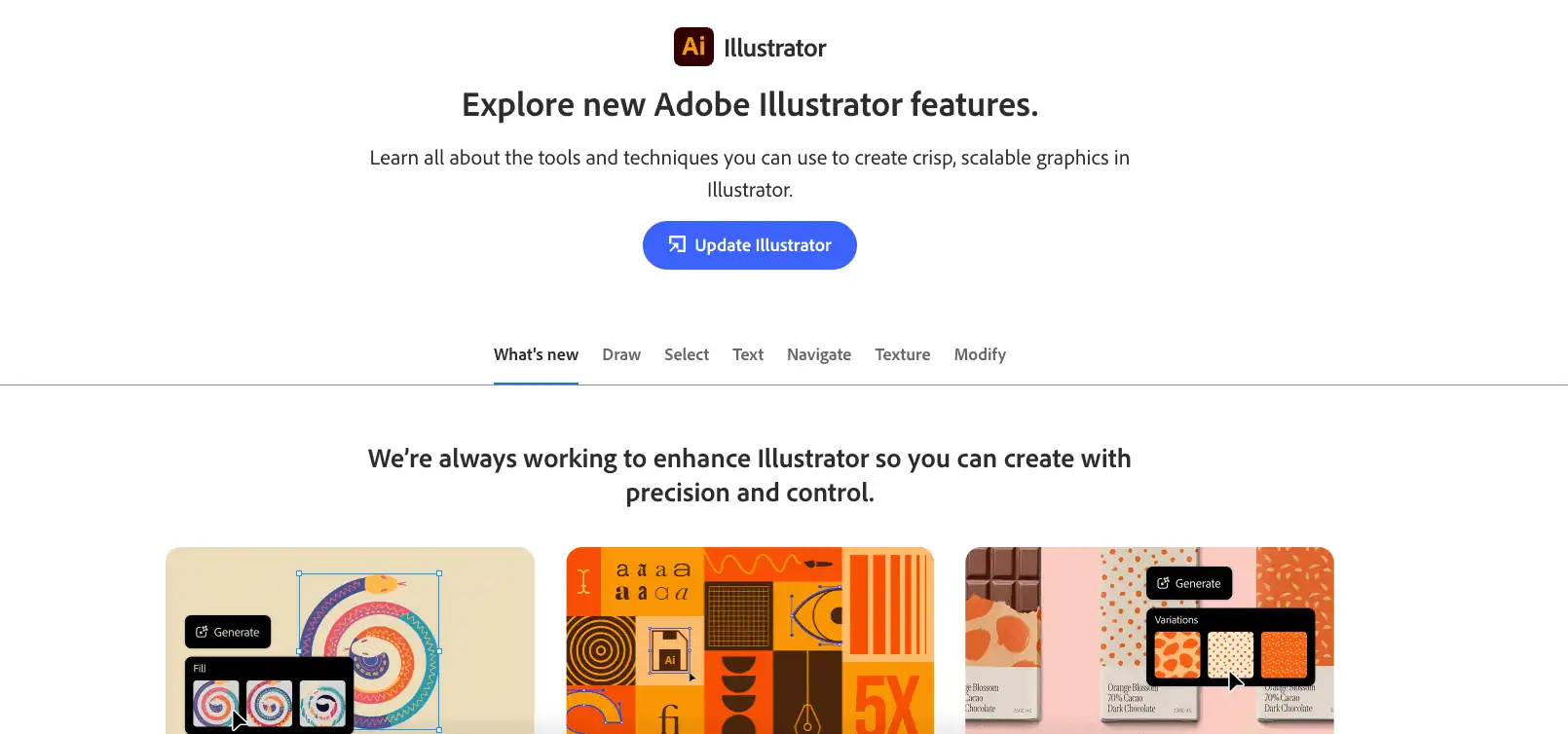
Illustrator is the preferred tool our team uses for infographics, graphs and charts, buttons, designed in-post images and more. The image above is an example of what our team uses it to create. And when you bundle it with the rest of the Creative Cloud tools, it’s cheaper.
14. Adobe Photoshop ($22.99/mo)
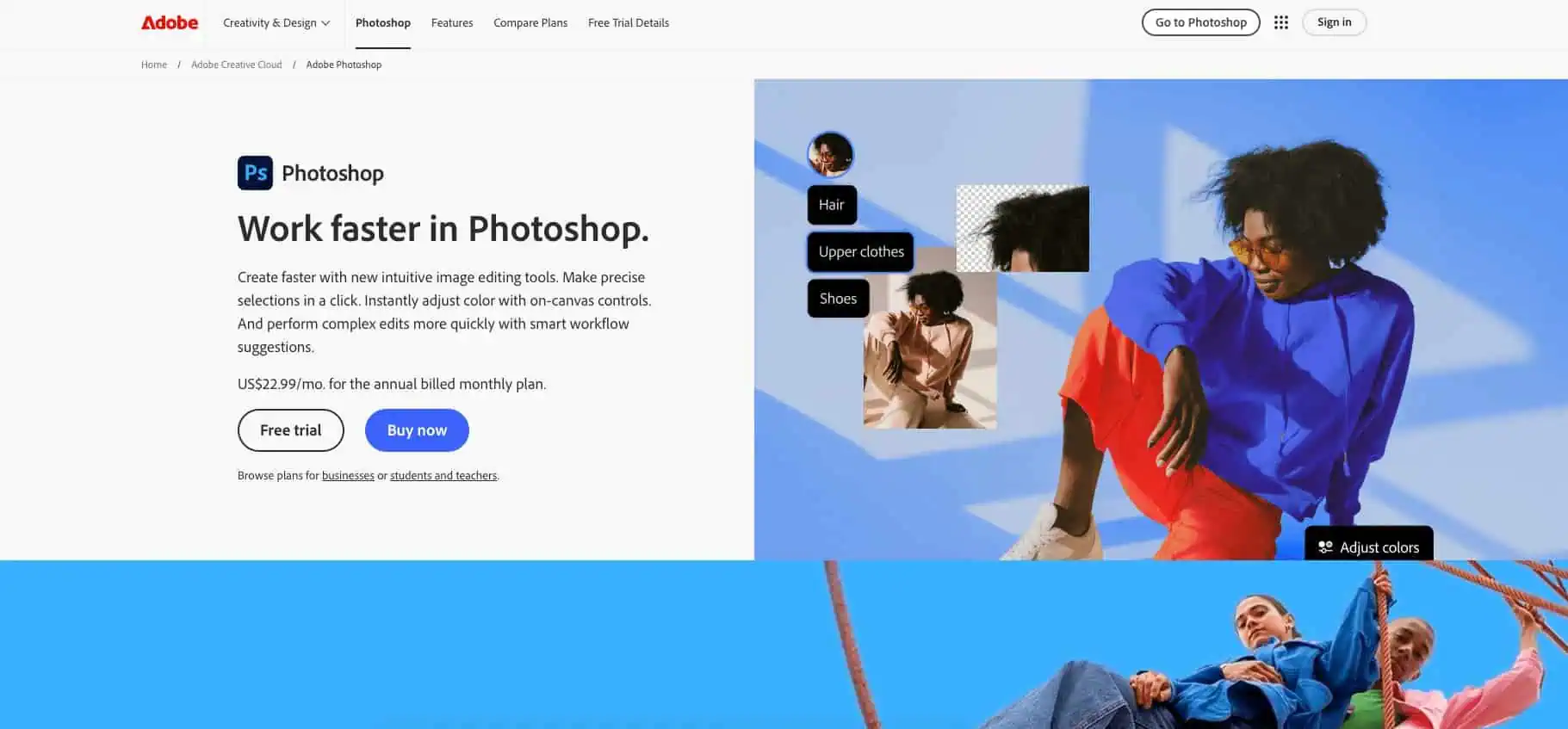
Photoshop is what our team uses to edit and crop hero images, create composites of designed and animated content with stock photos and more. The image above is an example of what our team uses it for.
15. Adobe Premiere ($22.99/mo)
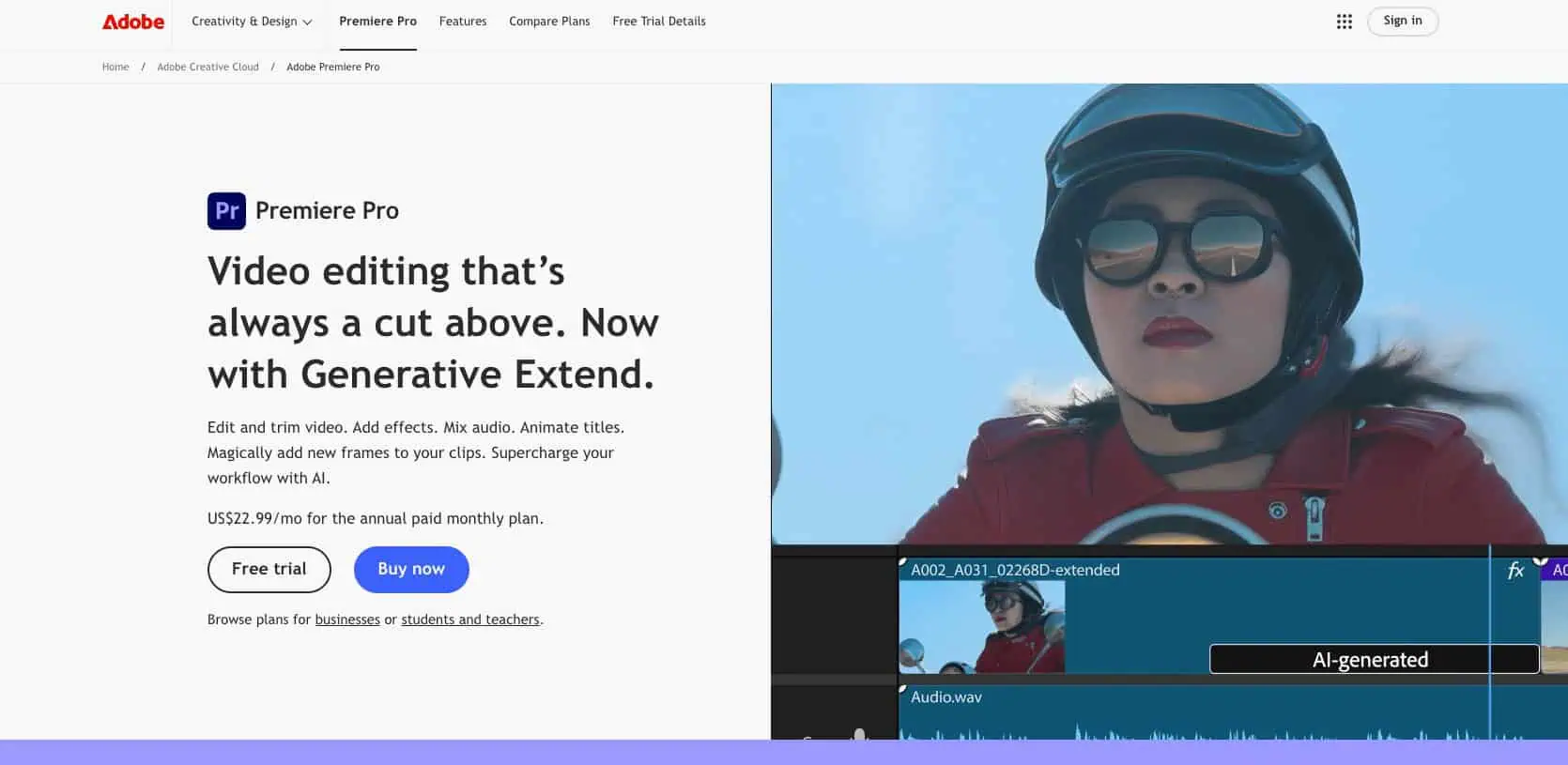
Premiere is our video team’s go-to tool for any video content that our clients or we as an agency need to create. The tool gives you access to advanced editing features and utilizes AI to automate the more time-consuming tasks like adding captions or extending clips.
There can be a steep learning curve, so be patient with yourself as you get started.
16. Adobe After Effects ($22.99/mo)

Our designers and video team use AfterEffects to create GIFs, animations (including animated in-post images and infographics), video effects, and more. We don’t do this for every post, but when budget allows, it really levels up static imagery.
17. iStock & Stocksy (Pricing Varies by Image)
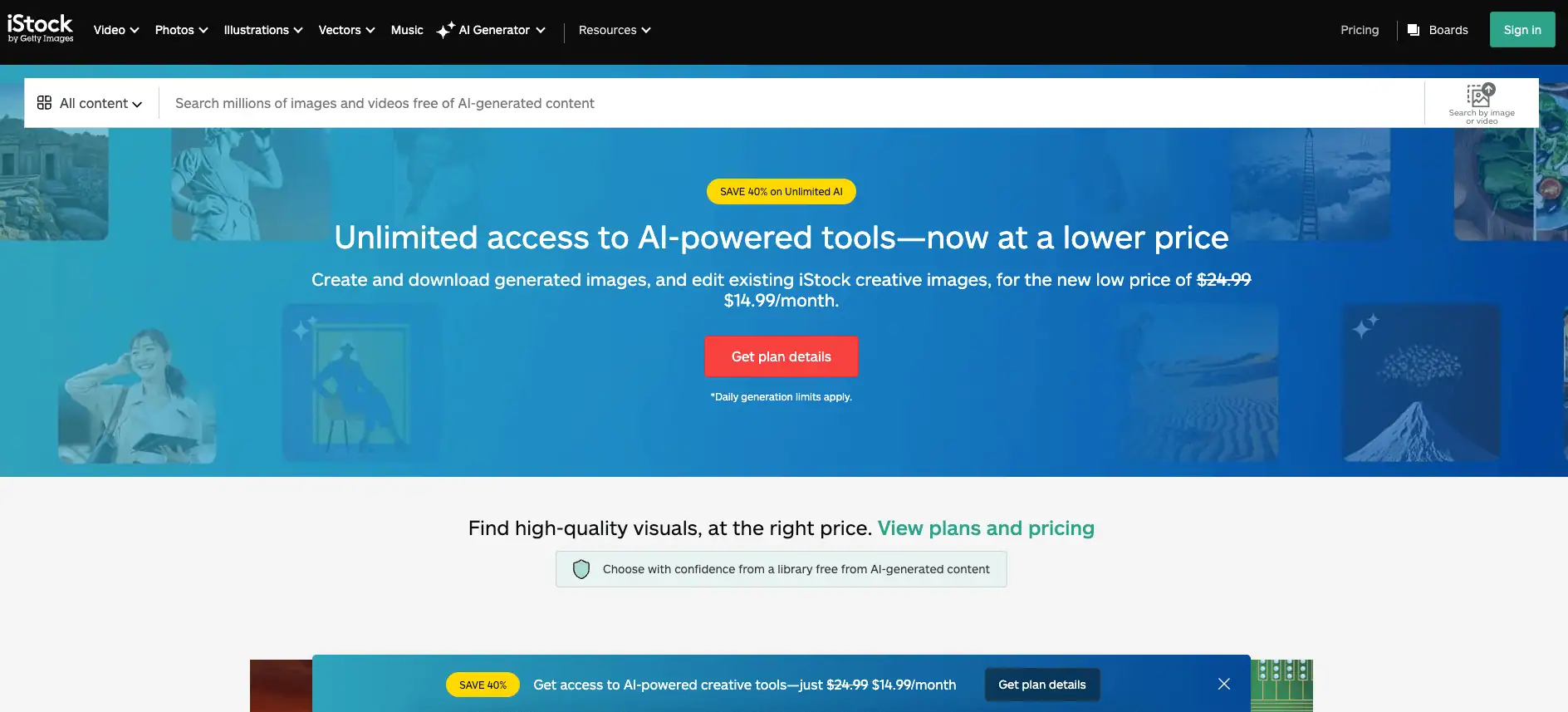
Honestly, most stock photos suck. But if you’re going to scale any content marketing effort, they’re a necessity. We’ve found that both iStock and Stocksy have the most affordable selection of quality stock photography for hero images and for incorporation into post content. iStock also offers vectors.
18. The Noun Project (Free–$39.99/yr)
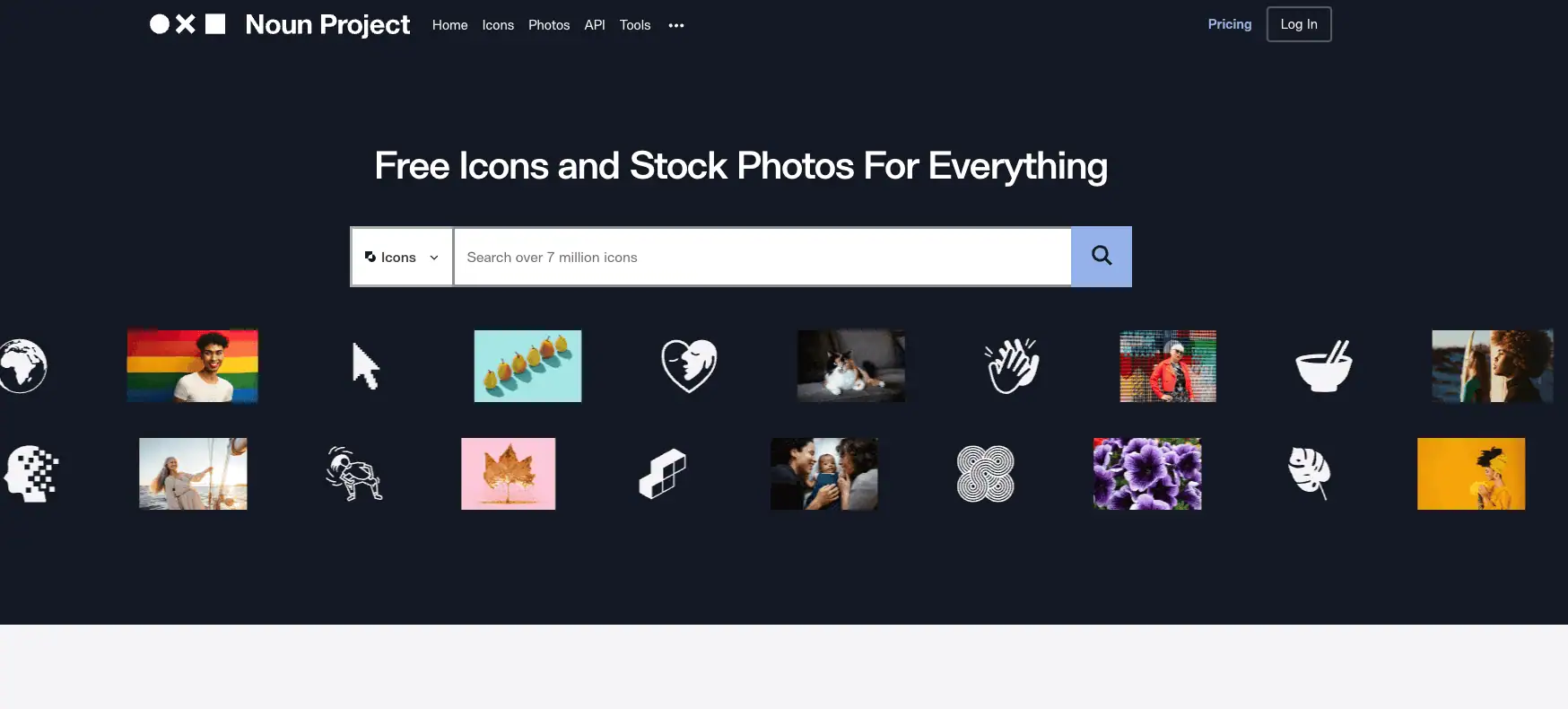
The Noun Project is a tool our design team uses to find icons for inspiration and incorporation into in-post images and infographics. It offers a free version, but it’s best to invest in the paid plan so you can access the full suite of icons without restriction. But you can use icons for free if you credit the designer.
19. DataWrapper (Free)
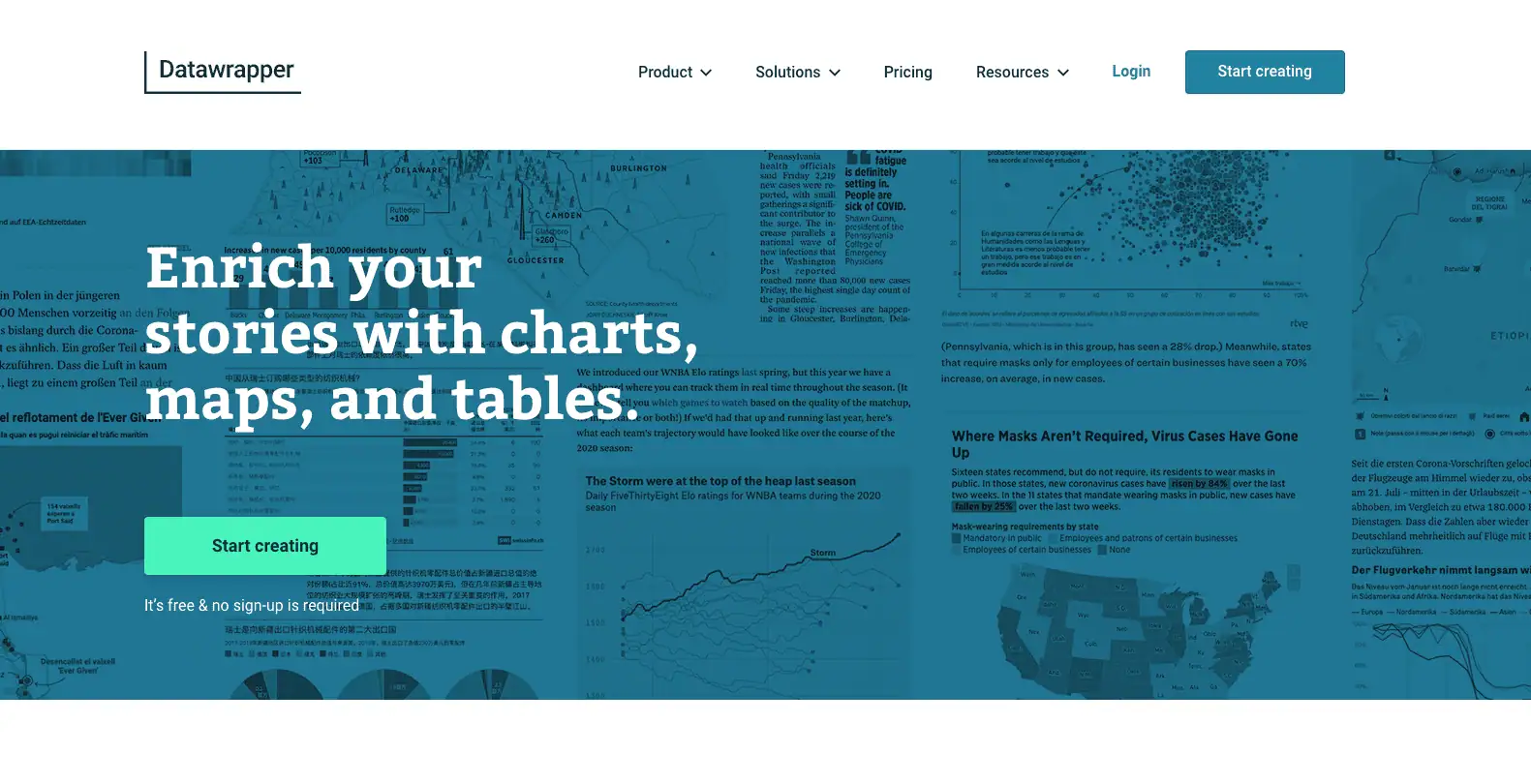
Our team actually uses Datawrapper from time to time when we want to create more interactive data visualizations without creating a full-blown design.
It’s really simple to use. Just upload your data, design and format your charts, add sources, and publish to a link or embed code just like you would with Google Docs. It has paid plans, but the free version is incredibly powerful.
20. Canva (Free)
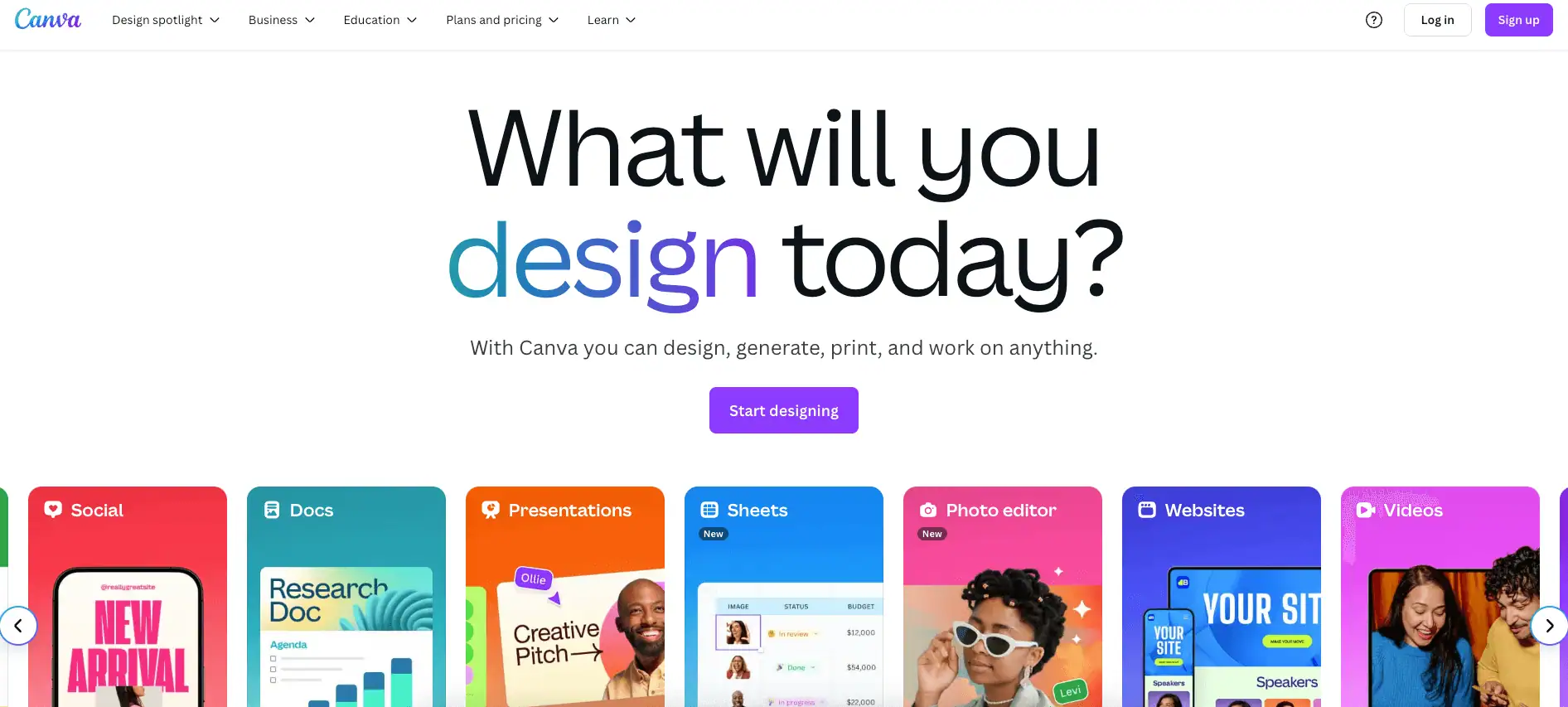
Canva is an easy way to create and share basic infographics that look clean and enticing. The built-in templates are pretty cool and let you create infographics that can make your blog more engaging. But it won’t be the same as hiring a talented designer who uses the tools above. It’s a great option for teams on a budget, though.
21. Pexels (Free)
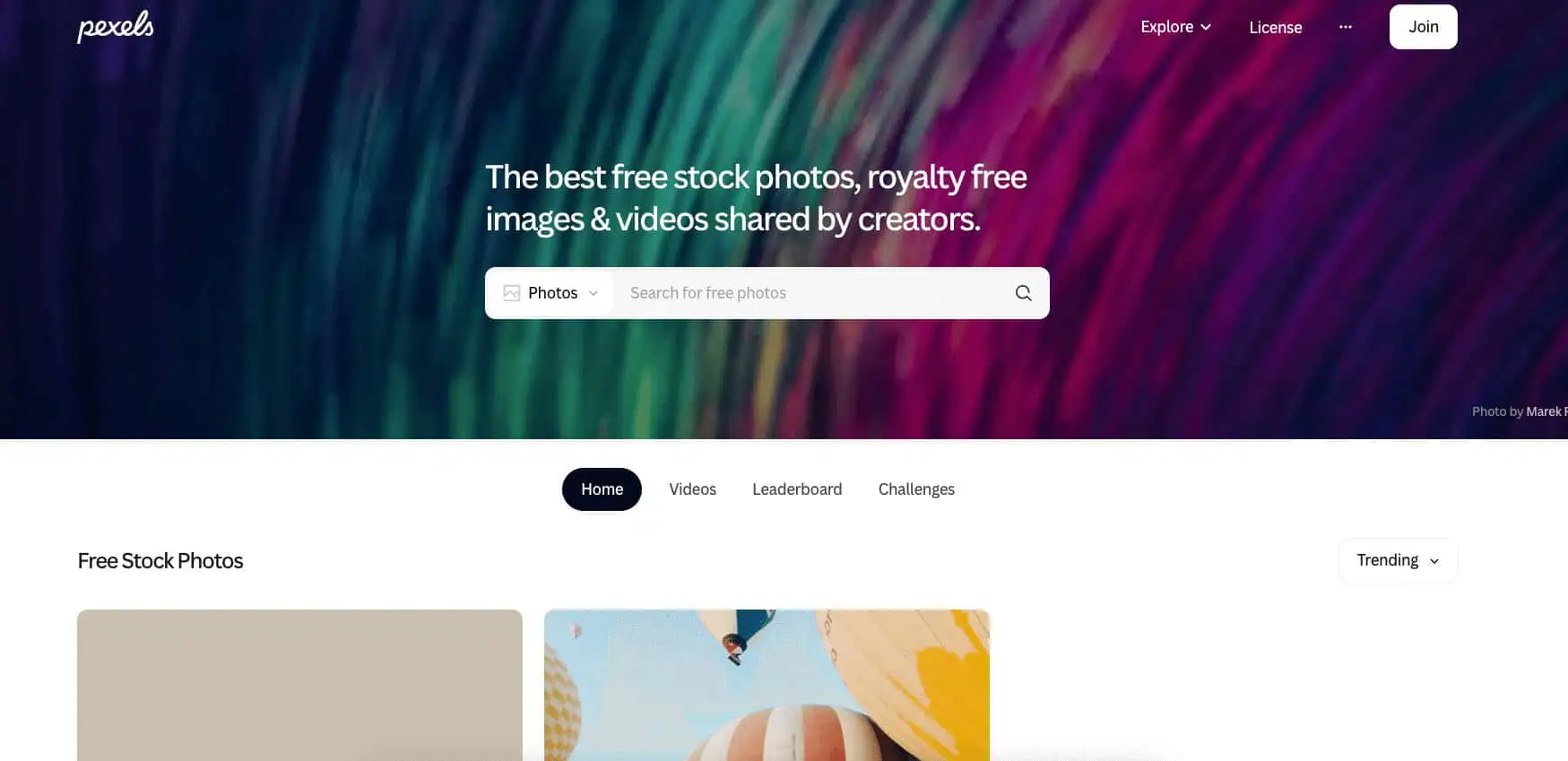
Quality stock photography that is also free is absurdly hard to find. Pexels is the best source I’ve found on the web. They also just started offering free stock video as well.
10 Content Marketing Chrome Extensions
Chrome is the preferred browser for most of us at Siege, simply because the extensions they offer are total lifesavers. Specifically, the ones below.
Some of these are extensions of the web apps above and some are standalone. Some are for link building, some are for content creation and some we use for both.
22. Ahrefs SEO Toolbar (Free With Subscription)
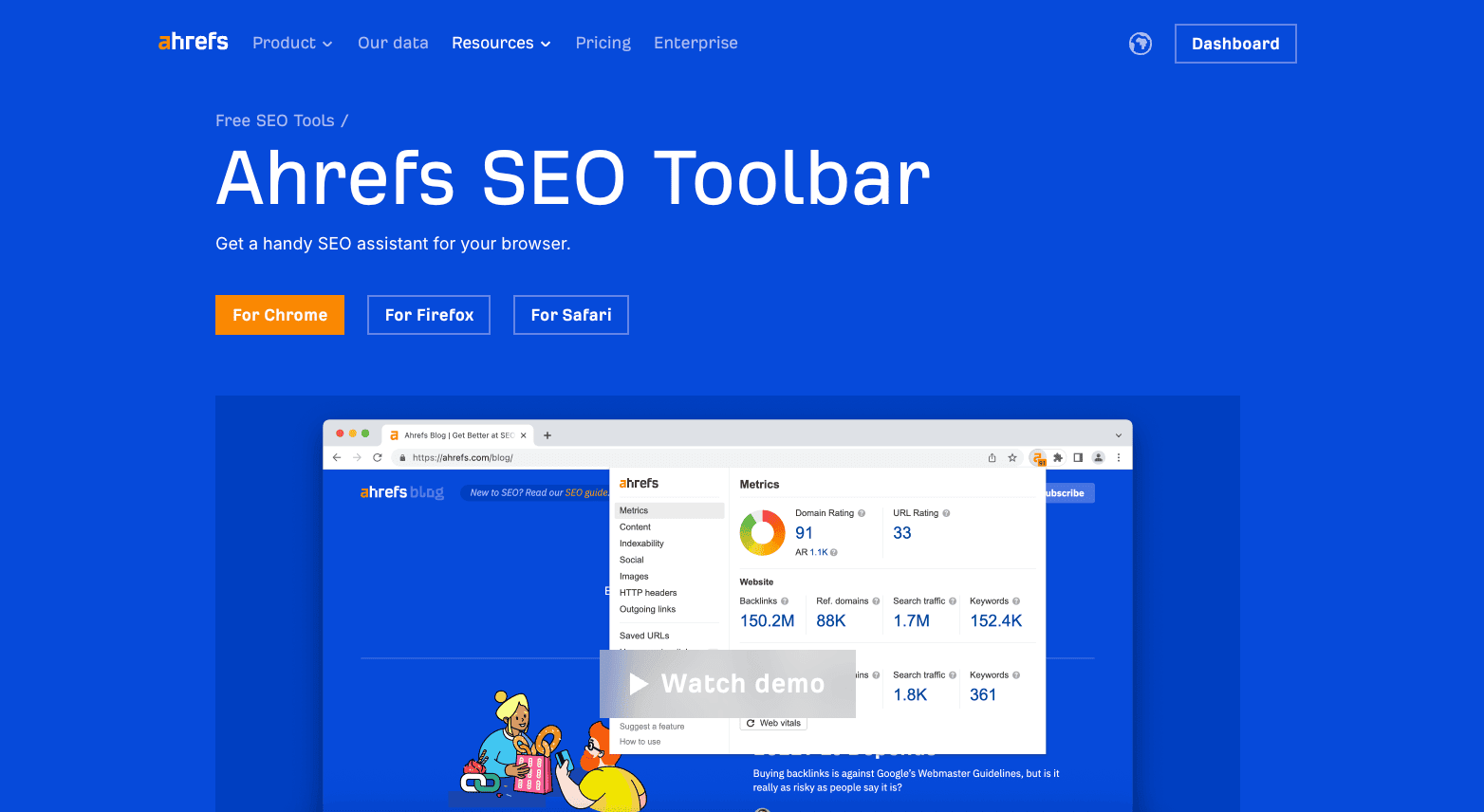
This is the Chrome extension of Ahrefs. It’s useful for analyzing a SERP or URL and gives you a high-level overview of things like backlinks, domain ranking, URL ranking and more. You need an Ahrefs account to use it.
23. BuzzMarker (Free With Subscription)
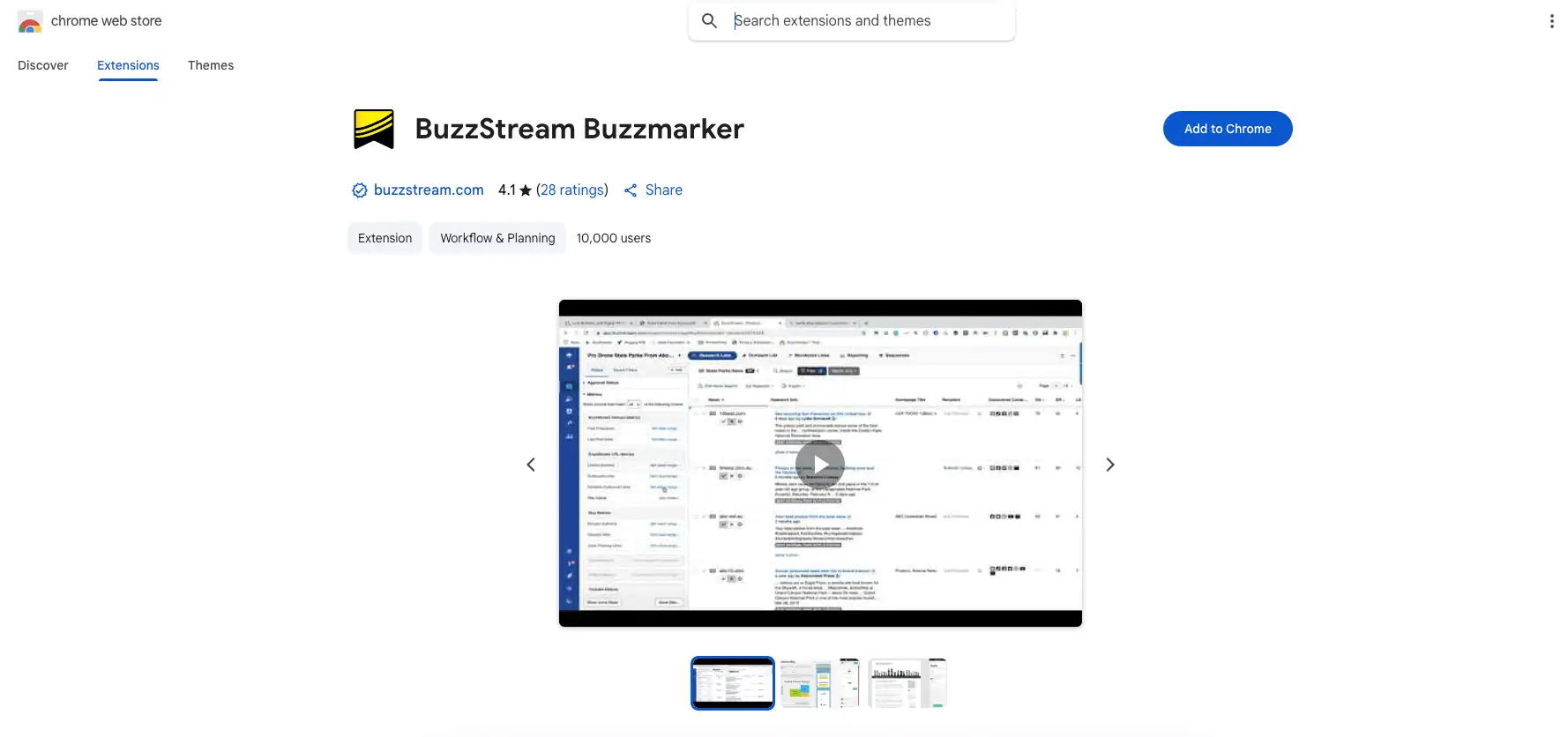
Buzzstream’s Buzzmarker is the Chrome extension of their software. It lets you log the site you’re visiting into your Buzzstream database, including any contact information you want to save. It requires you to have a Buzzstream account to use it.
24. MozBar (Free)
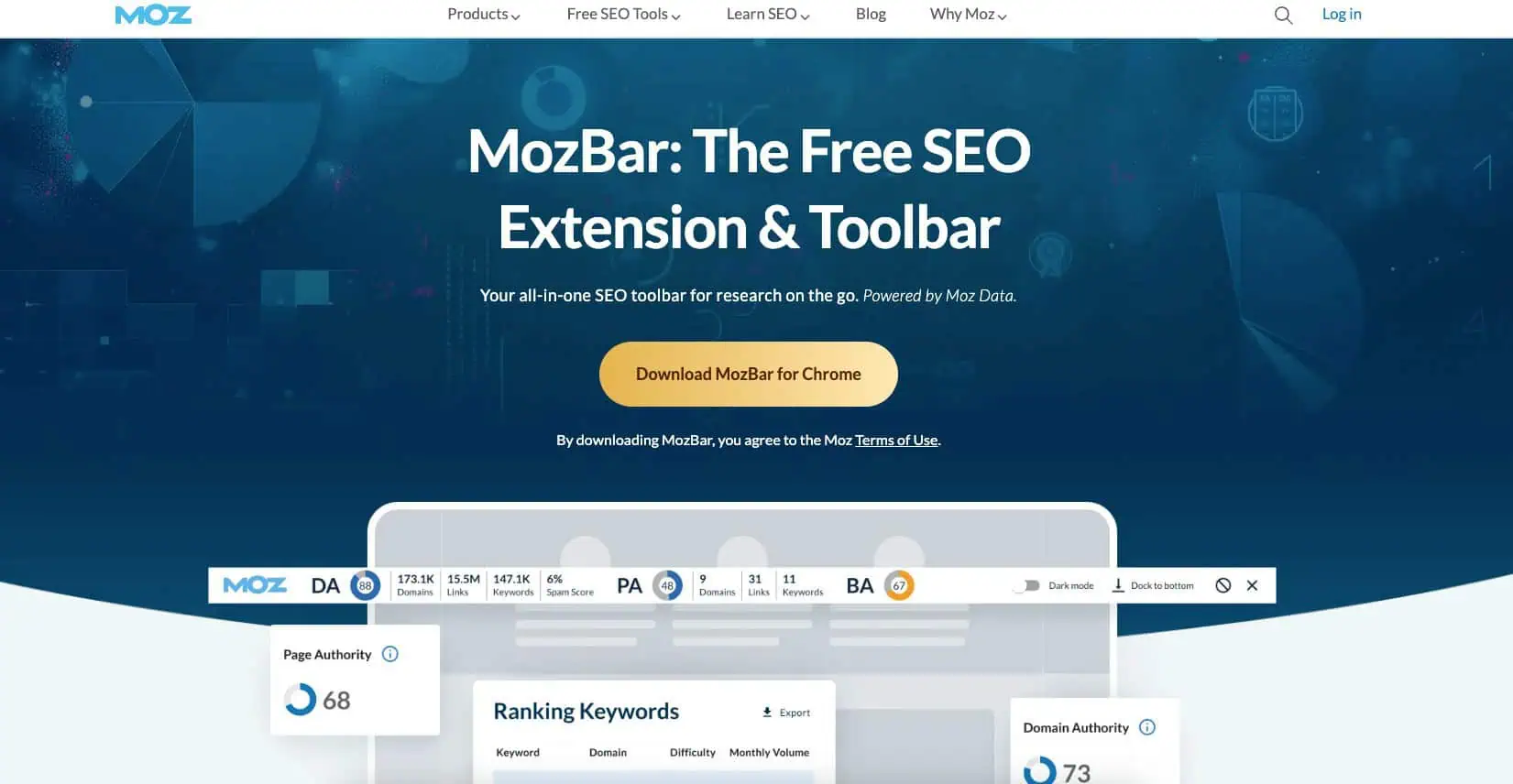
MozBar is Moz’s version of Ahrefs SEO Toolbar. It does pretty much exactly the same thing, just using Moz’s SEO platform and data. The best part about it is you can use it even if you’re not paying for Moz by signing up for a free account.
25. BuzzSumo (Free)
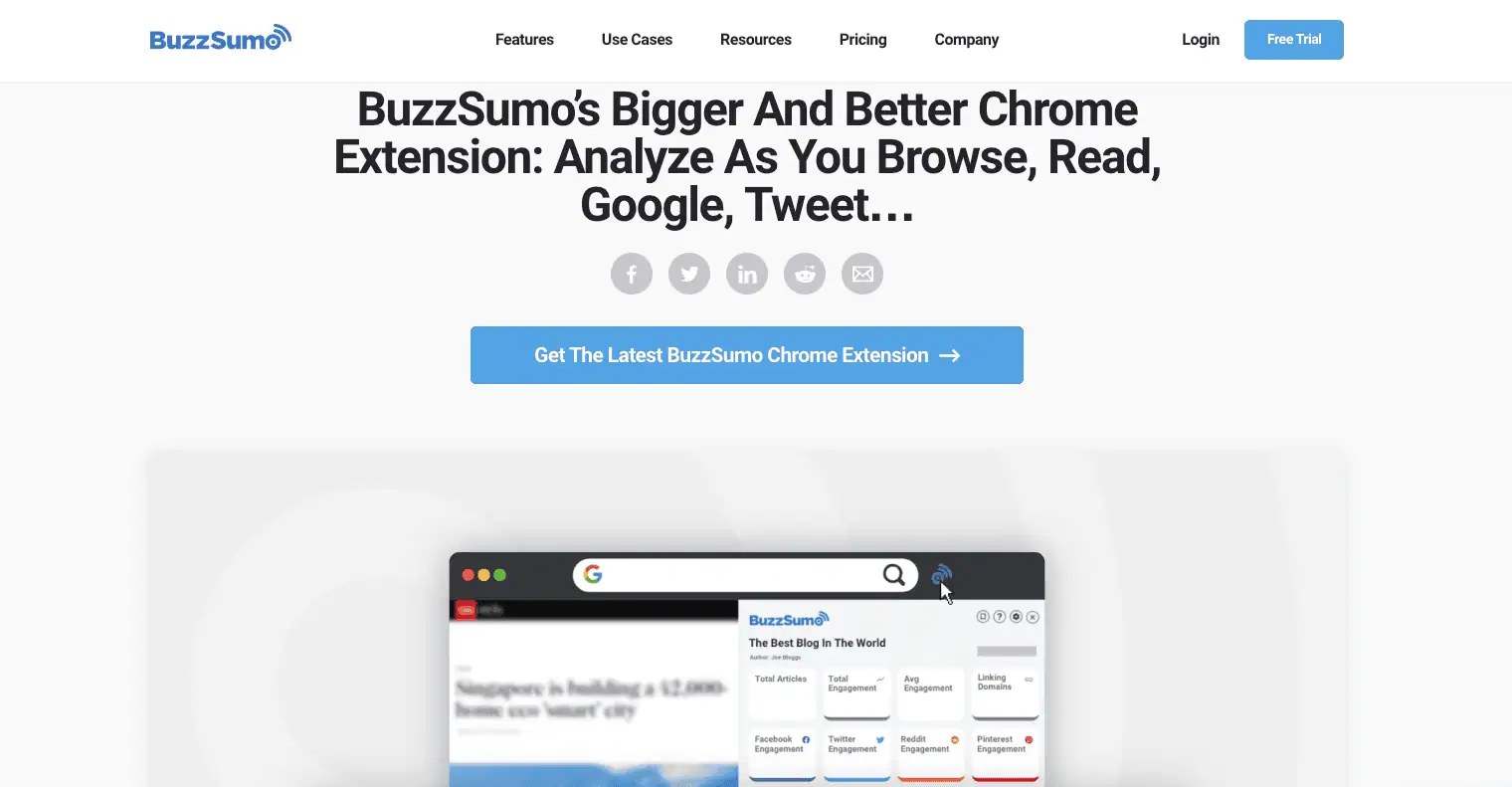
Buzzsumo’s Chrome extension gives you social sharing data for any blog post or webpage you’re on, just like if you typed the URL into their web app. You can use it for free, you’ll just need to sign up for an account on their site.
26. Keyword Surfer (Free)
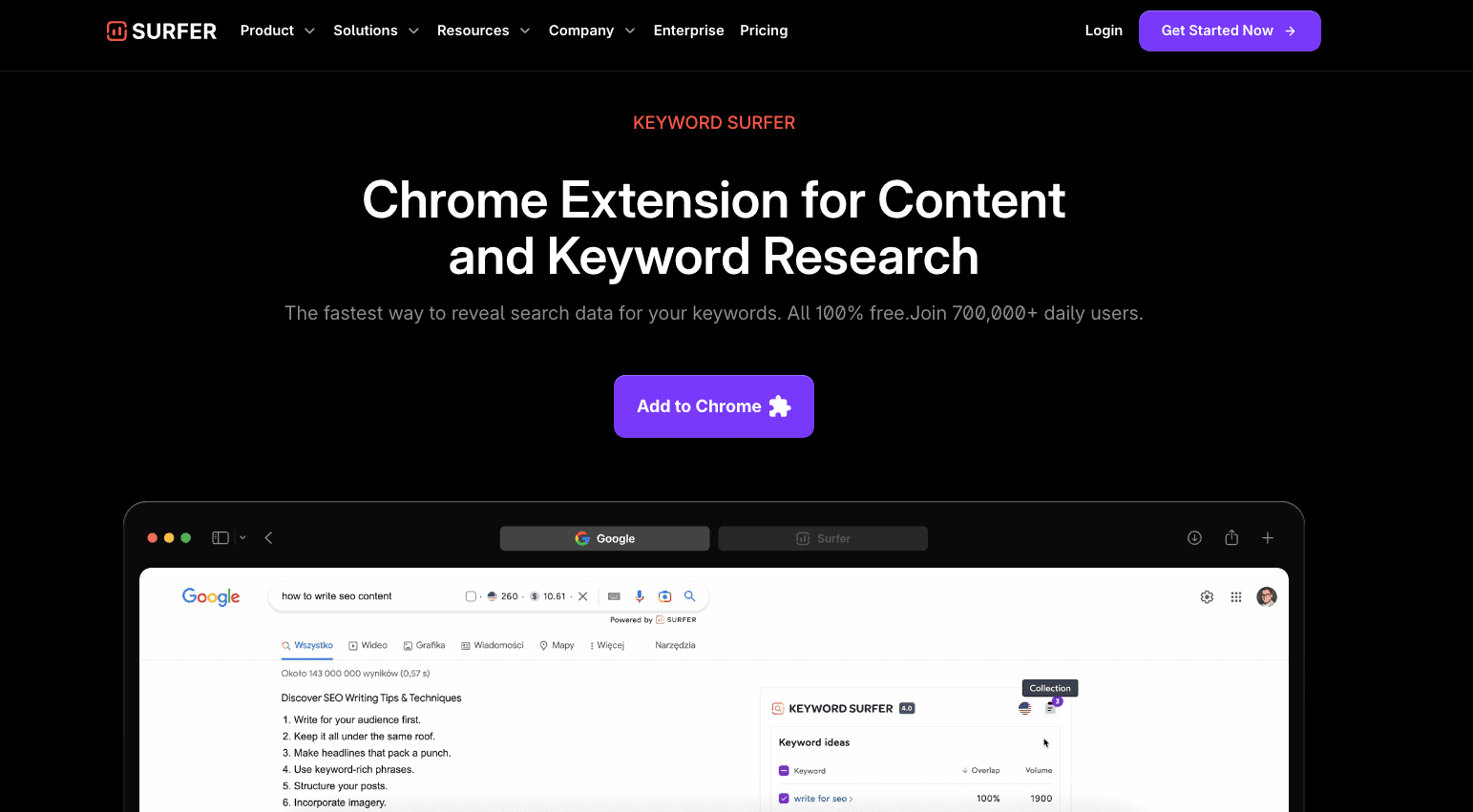
Keyword Surfer is a free extension that lets you do keyword research while you search the web. For every term you search, they’ll display the search volume and also related keywords on the side with their associated search volumes too. Did I mention it’s free?
27. Voila Norbert (Prepaid or $49–$499/mo)
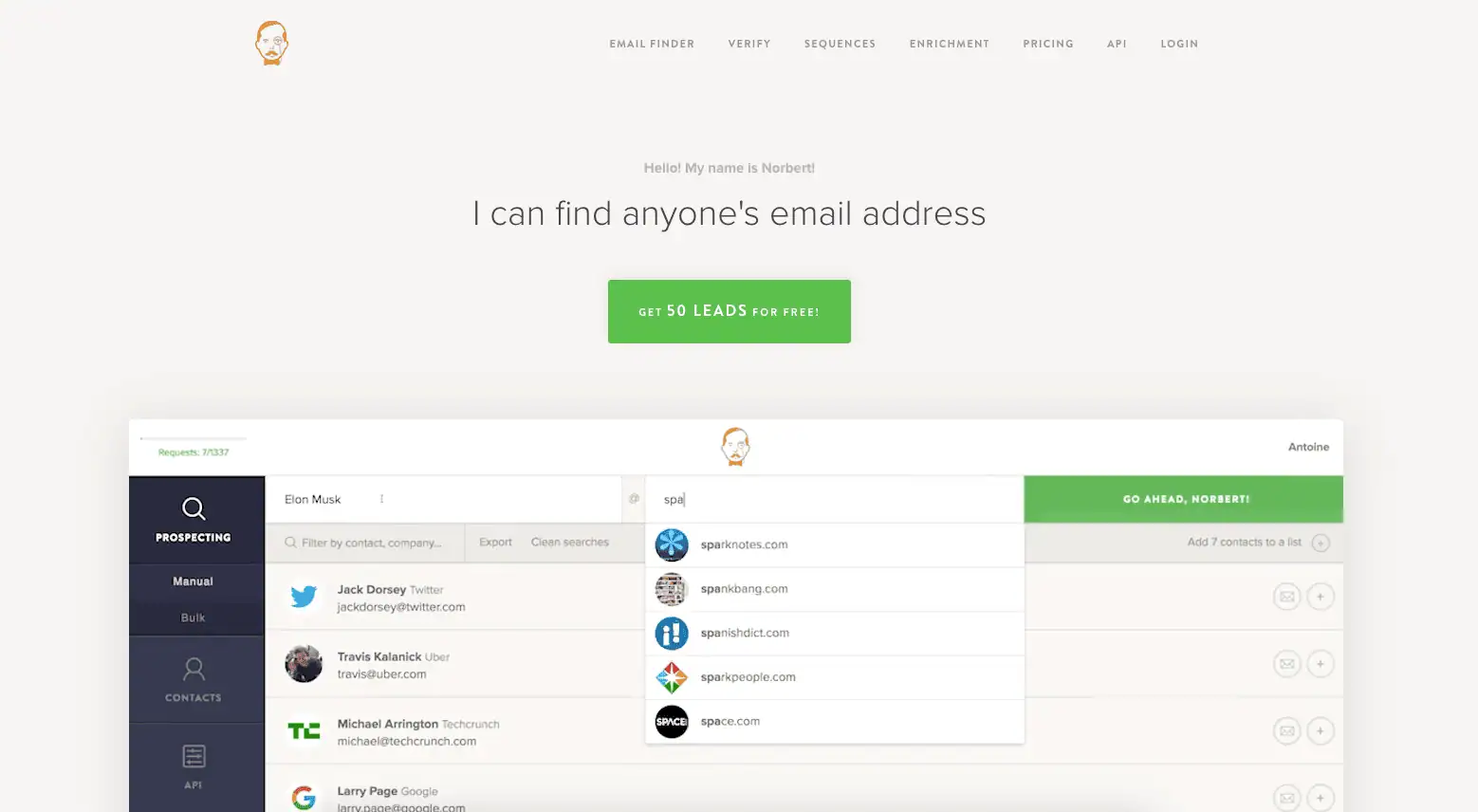
Voila Norbert is a Chrome extension our team uses daily to find email addresses for the editors and bloggers we reach out to. It comes with 50 free searches to get started. It’s worth noting that the email addresses it finds aren’t always 100% accurate, but 7 times out of 10, you’ll get the right one.
28. Hunter.io (Free–$209/mo)
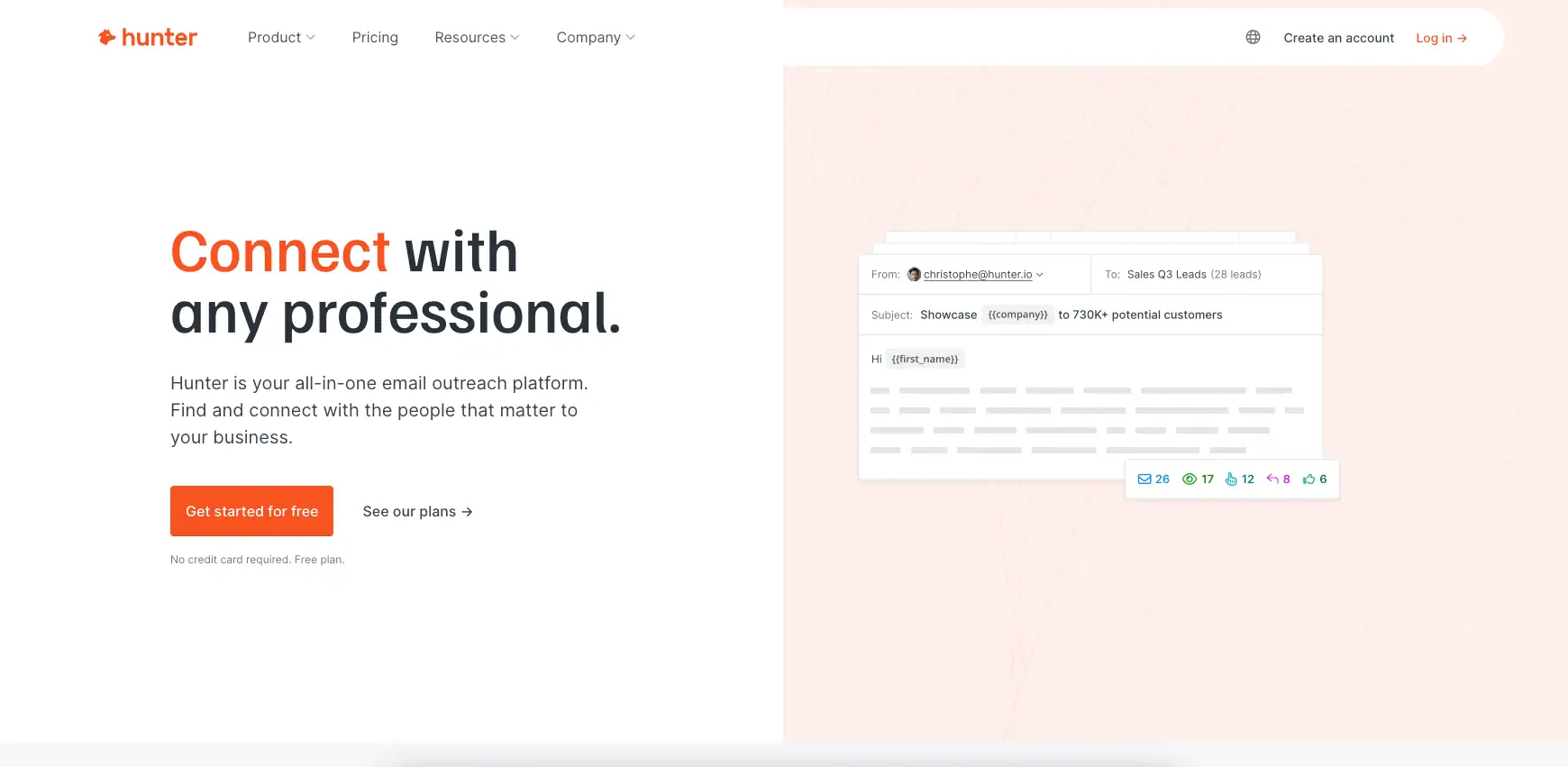
Hunter is another tool that our team uses to find email addresses. It offers a free option where you get 50 searches a month, which could be enough if you’re just getting started with digital PR and outreach. It also tends to be more accurate and up-to-date than Voila Norbert.
29. Website Google Search (Free)
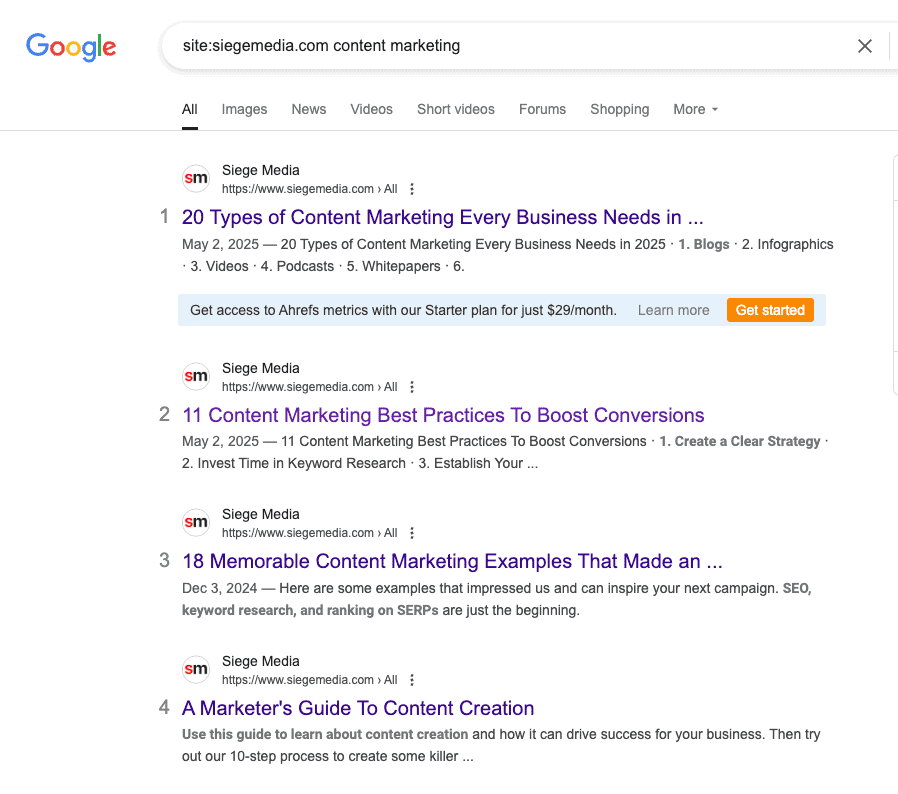
We use Google’s search operators at just about every step of our content creation and promotion process. But we use them most frequently for outreach because Google can typically find things on a website that the site’s own built in search bar often cannot. This Chrome extension makes it easy to search the site you’re on with Google without leaving the page.
30. Grammarly (Free–$12.50/mo)
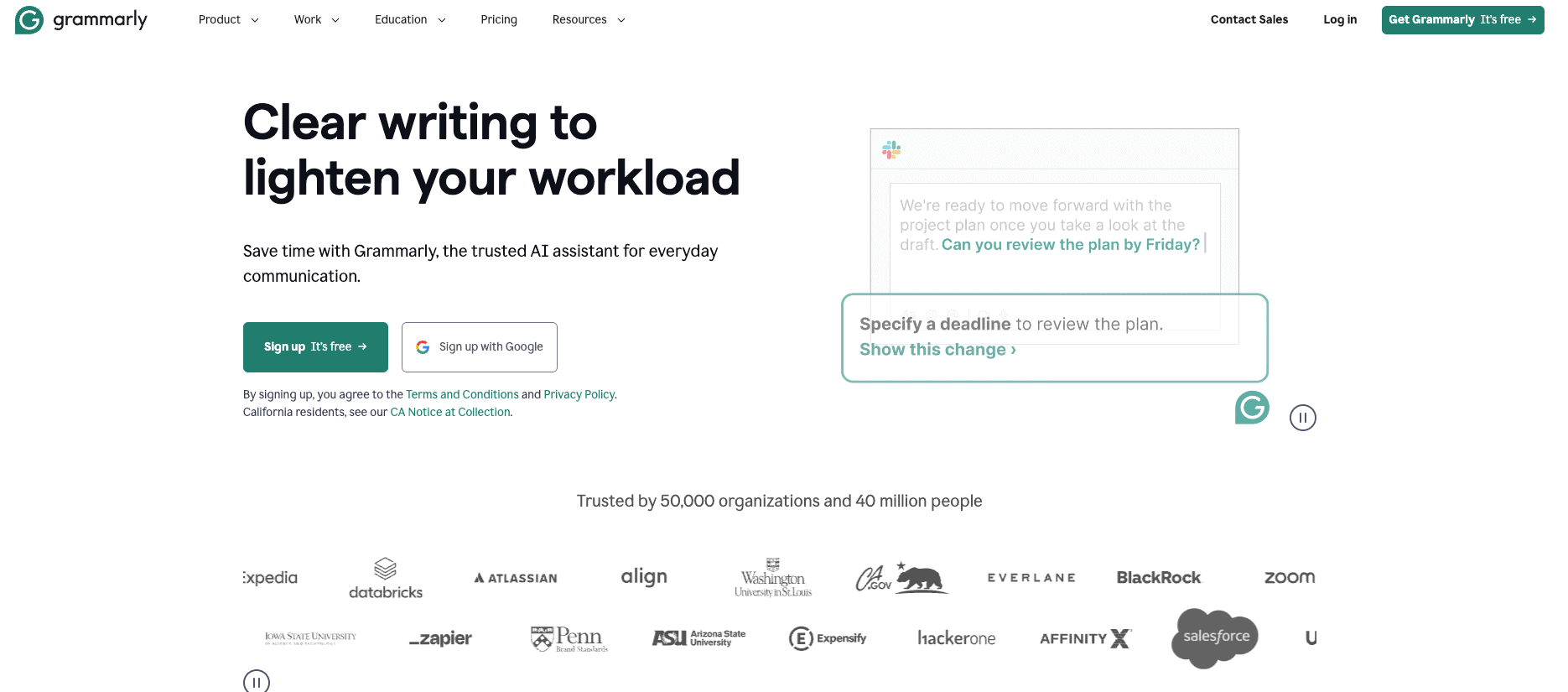
Grammarly is a lifesaver for any writer or content creator. Their basic (free!) grammar checker evaluates any mistakes you might make while writing and their premium subscription also checks for tone and style. They also have a desktop app to check entire articles as well.
31. WhatFont (Free)
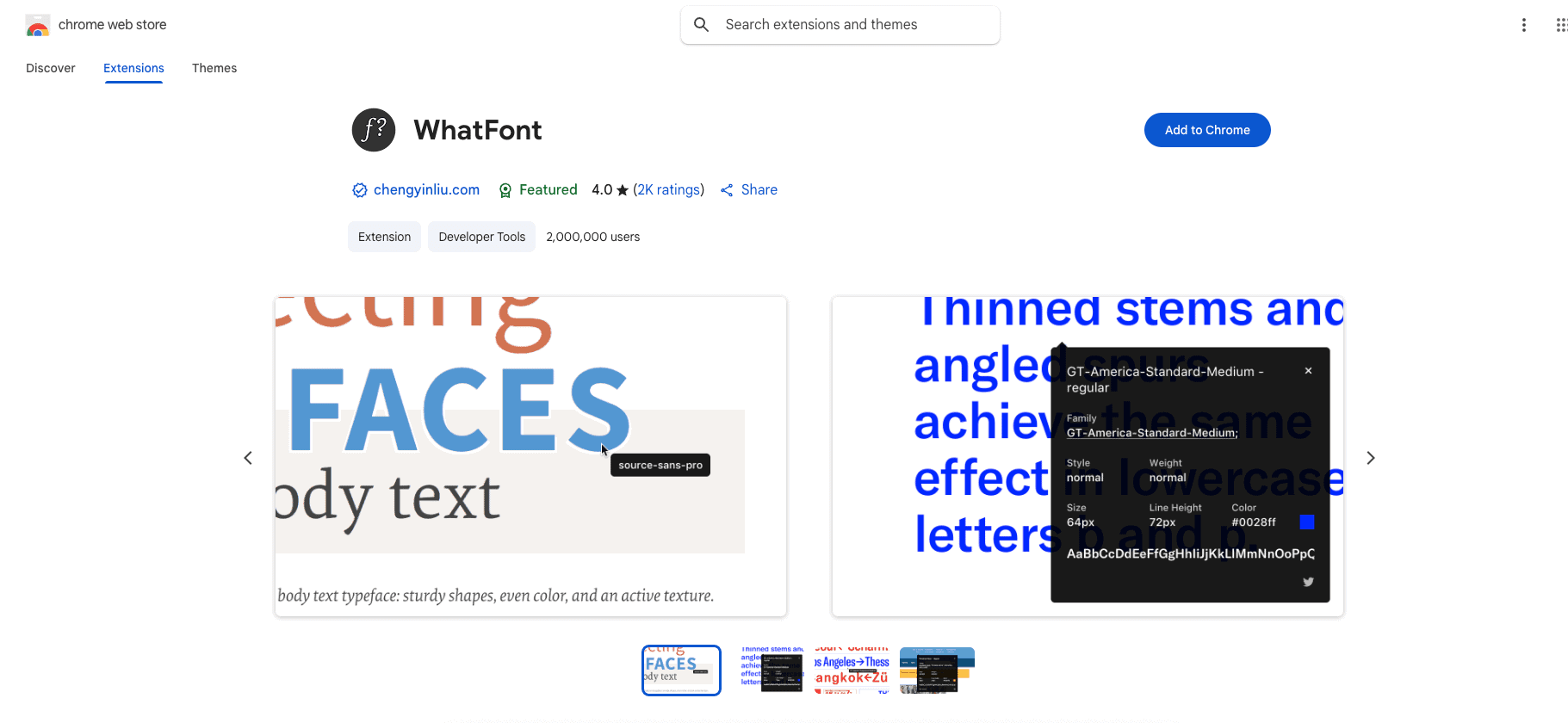
Many of our designers use this extension for checking which fonts are being used on our clients’ sites so that any visuals they create are consistent with their branding.
Tools Alone Won’t Make Your Content Better
Just like a hammer doesn’t make the carpenter, none of the tools above will make your content better unless you know how to wield them. The good news is, learning how to do that is free on our blog.
If you’re strapped for resources, browse our content creation services to see how we help brands. Let our team take your content to the next level while you focus on doing what you do best: running your business.